
Call us now :08045478546
 Send Inquiry
 Send Inquiry
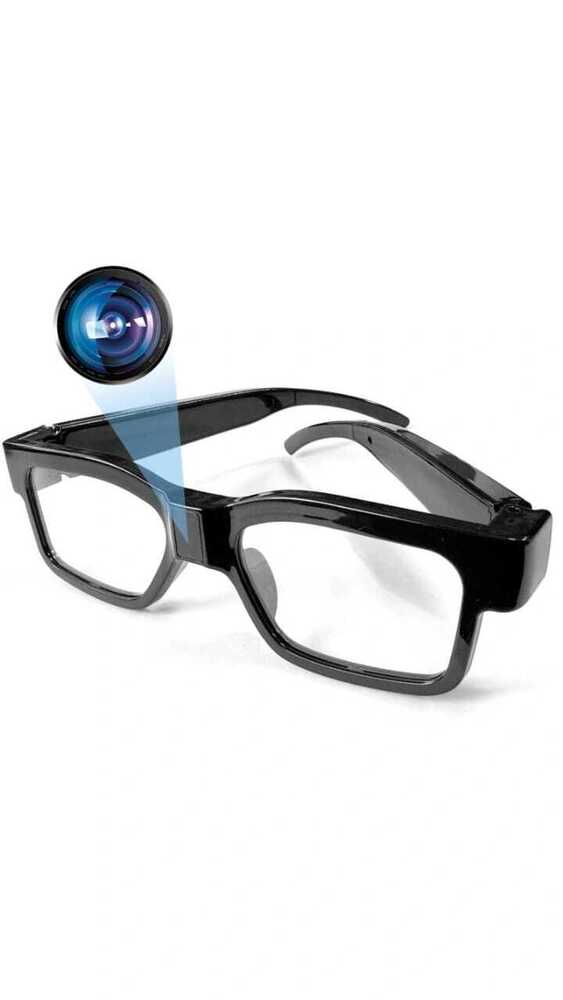
Eyewear Glasses Camera
Price 4750 INR/ Piece
MOQ : 1 Piece
Eyewear Glasses Camera Specification
- Connectivity Type
- USB 2.0
- Camera Range
- Up to 5 meters
- Camera Type
- Spy camera glasses
- Sensor Type
- CMOS
- Camera Style
- Wearable/Body-mounted
- Technology
- Pinhole camera with digital storage
- Special Features
- Concealed camera, Hands-free operation, Lightweight design
- Remote Control
- No
- Application
- Surveillance, Security monitoring, Evidence collection, Meetings, Lectures
- Camera Size
- Miniature sensor integrated into eyewear frame
- Camera Pixels
- 5 MP
- Screen Resolution
- 1280 x 720 pixels (HD)
- Image/Video Quality
- HD 720p video, Clear still images
- Power Supply
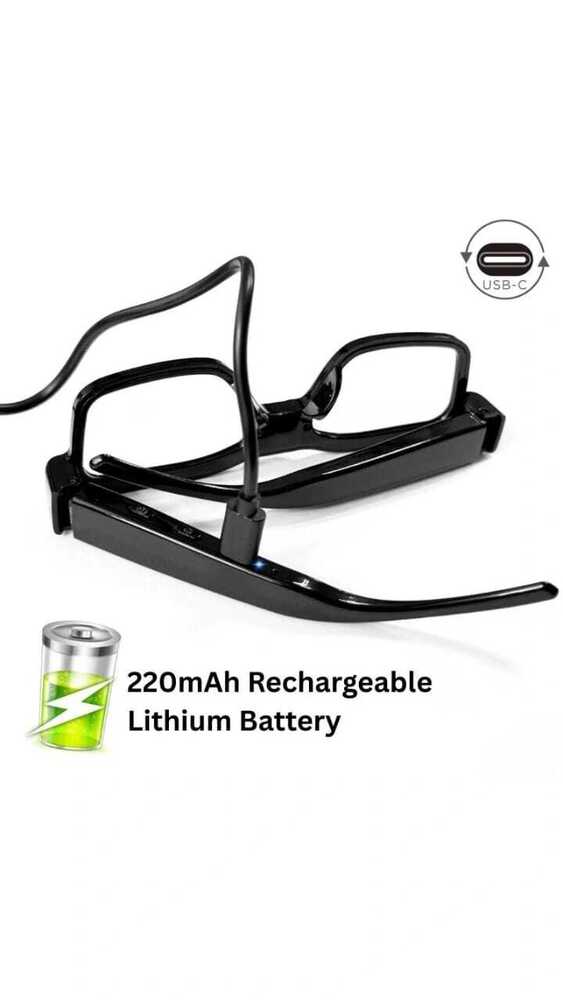
- Rechargeable lithium-ion battery
- Output Formats
- AVI (video), JPEG (photo)
- File Compatibility
- JPEG (photos), AVI (videos)
- Audio Recording
- Supported
- Weight
- About 35 grams
- Recording Time
- Up to 60 minutes on full charge
- Microphone
- Built-in
- Lens Angle
- 67 degrees
- Dimensions
- Standard eyewear size (approx. 145mm x 40mm x 20mm)
- Charging Time
- Approx. 2 hours
- Frame Material
- Polycarbonate
- Data Transfer
- USB cable included
- Control
- One-button operation
- Frame Color
- Black
- Status Indicator
- LED notification light
- Operating System Compatibility
- Windows and Mac
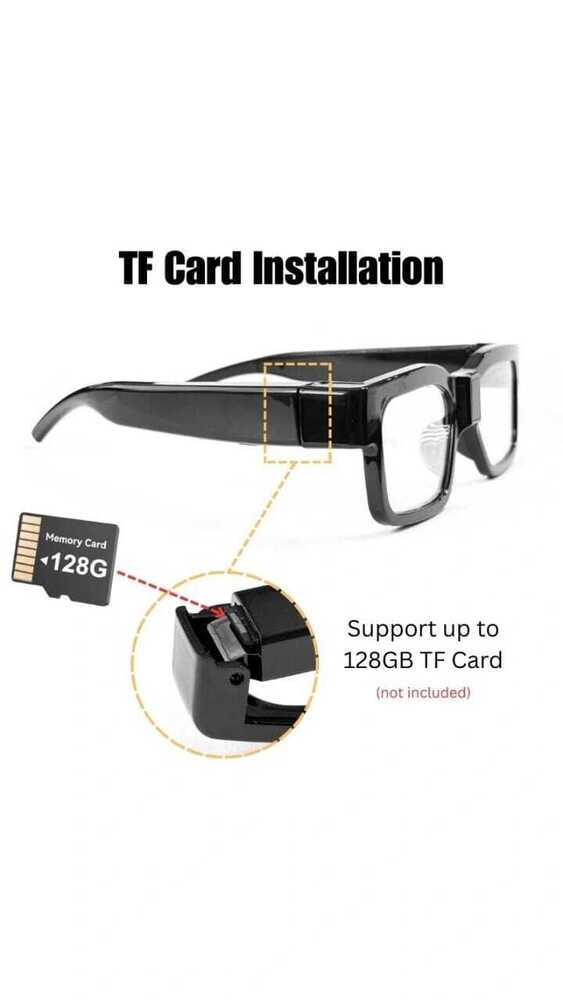
- Storage Type
- MicroSD card (supports up to 32GB)
Eyewear Glasses Camera Trade Information
- Minimum Order Quantity
- 1 Piece
- Supply Ability
- 100 Pieces Per Month
- Delivery Time
- 7 Days
Eyewear Glasses Camera About
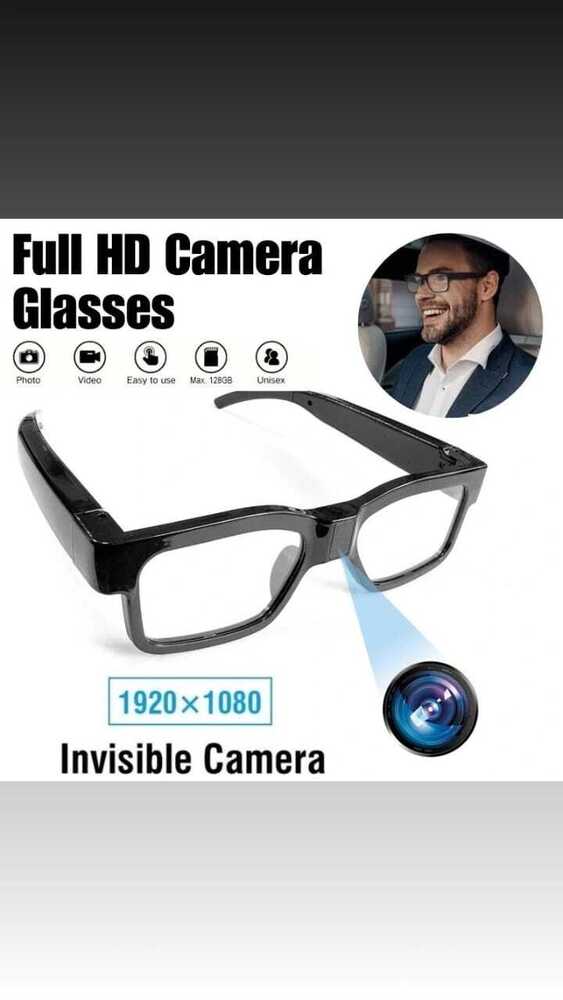
1.With a perfect combination of HD camera and glasses, you will get a cool glasses and a camera2.The camera glasses Support Up 128 GB memory card, you can use it the day when you receive.
3.The device allows to record at 1080p/30 fps, you will be able to get stunning high-definition videos, also you can take photos
4.A user-friendly button on the frame for recording video and taking pictures without any complicated setup or configuration. Connecting it to computer by the USB cable or a card reader to load file. Spend less time on learning how to use it.
Effortless Surveillance and Security
With integrated miniature camera technology, these glasses allow for discreet monitoring in professional or personal settings. The concealed pinhole camera makes them ideal for evidence collection, ensuring you capture moments without drawing attention.
Comfortable, Lightweight Design
Crafted from robust polycarbonate and weighing just 35 grams, these glasses offer the comfort of regular eyewear. Their standard dimensions and classic black frame ensure a natural, inconspicuous appearance suitable for all-day wear.
User-Friendly Controls and Versatile Memory
Start recording instantly with a single button. Files are saved in JPEG or AVI formats to a MicroSD card (up to 32GB). Data transfer is easy with the included USB cable, and compatibility with both Windows and Mac computers ensures flexibility for every user.
FAQ's of Eyewear Glasses Camera:
Q: How do I start and stop recording video or audio with the eyewear glasses camera?
A: You can operate the eyewear camera using a single button located on the frame. To start or stop recording, simply press the button as indicated in the user manual. The built-in LED status indicator will notify you of recording status.Q: What is the maximum recording duration on a full charge and how much storage can I use?
A: On a full charge, the glasses can record continuously for up to 60 minutes. For storage, you can use a MicroSD card with a capacity of up to 32GB, allowing for several hours of HD video and numerous still photos depending on your usage.Q: When should I recharge the battery and how long does it take?
A: It's recommended to recharge the battery after each use if you plan to record for extended periods. Charging takes approximately 2 hours via the included USB cable, ensuring the glasses are ready for the next session.Q: Where can I use these camera glasses for effective results?
A: These camera glasses are suitable for a range of applications including surveillance, security monitoring, collecting evidence, attending meetings, or recording lectures. Their discreet design makes them ideal for use in both indoor and outdoor settings.Q: What process should I follow to transfer recorded files to my computer?
A: After recording, connect the glasses to your computer using the included USB cable. The device will be recognized as a removable drive, and you can easily copy AVI (video) and JPEG (photo) files to a Windows or Mac system.Q: Can I benefit from hands-free operation during activities?
A: Yes, the glasses offer true hands-free operation, making them highly advantageous for capturing video and audio without interruption while you engage in other tasks, attend meetings, or participate in events.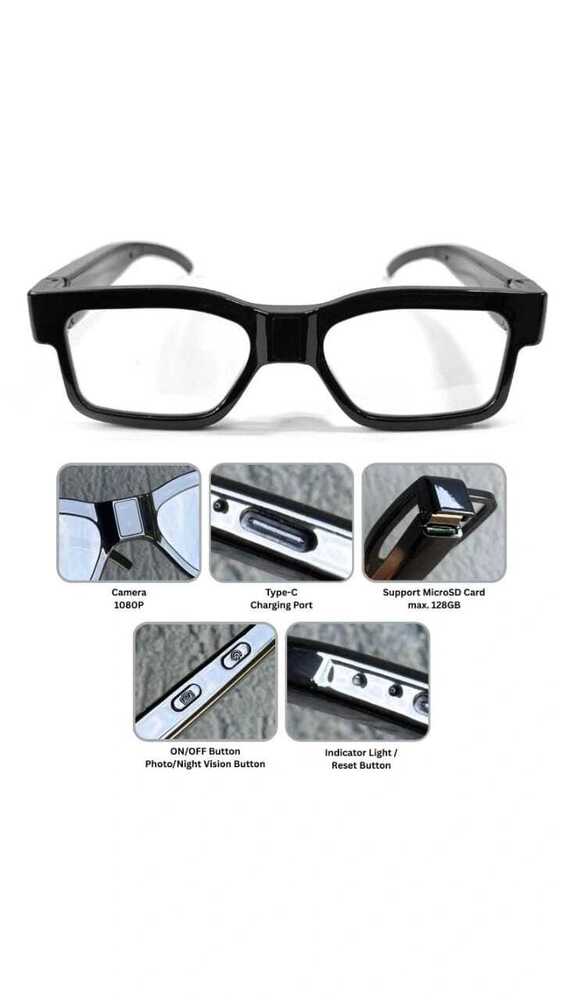
Tell us about your requirement

Price:
Quantity
Select Unit
- 50
- 100
- 200
- 250
- 500
- 1000+
Additional detail
Mobile number
Email

More Products in Spy cameras Category
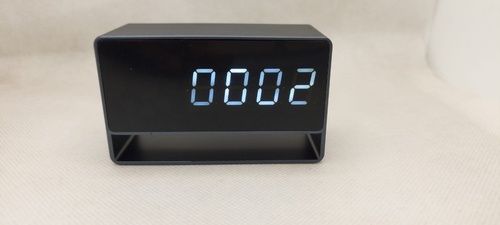
DVR Spy Table Clock Camera
Price 5500.0 INR / Unit
Minimum Order Quantity : 1 Unit
Application : Hotels, Restaurant, Other, Indoor, School, Railway Stations, Airport
Special Features : Vandal Proof
Camera Type : Digital Camera
Camera Style : Hidden Camera
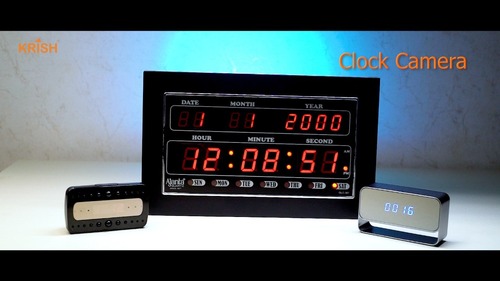
AJANTA CLOCK Spy Camera
Price 10000 INR / Piece
Minimum Order Quantity : 1 Piece
Application : Other, Spy Monitoring
Special Features : Hidden Camera Technology, Other
Camera Type : Video Camera
Camera Style : Other, Built into Clock
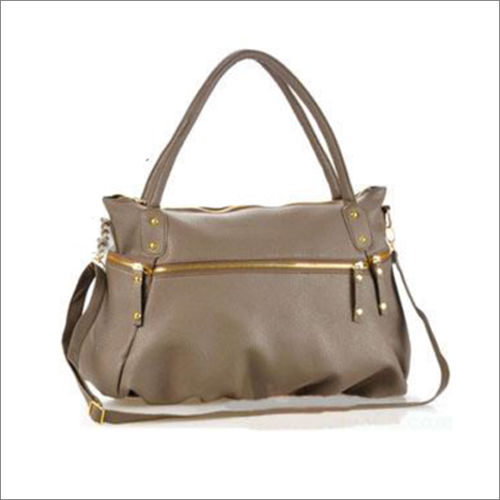
DVR Handbag Camera
Minimum Order Quantity : 1 Piece
Application : Restaurant, Outdoor, Indoor, Hotels
Special Features : Water Proof
Camera Type : Digital Camera
Camera Style : Dome Camera

Power Socket Camera
Price 5000 INR / Unit
Minimum Order Quantity : 1 Piece
Application : Other, Indoor surveillance
Special Features : Other, Discreet design replaces regular power socket
Camera Type : Spy camera, Other
Camera Style : Other, Hidden camera (inside socket)

 Send Inquiry

Shop - B-14, Jalaram Ashish Society, Devidayal Road, Mulund West,Mumbai - 400080, Maharashtra, India

Mr. Harbhajan
(Director)
Mobile :08045478546
 Send Inquiry
 Send SMS
 Call Me Free
Developed and Managed by Infocom Network Private Limited.


